Google I/O Connect Berlin 2025 – Conference review

27. June 2025 - from Dinah Bolli

On 25 June, Google I/O Connect took place in Berlin – and three quarters of the Android team from Apps with love was there! The Google I/O Connect conferences are regional follow-up events to Google I/O. While the latter unveils the most important news about products, platforms and updates once a year and is broadcast live from Mountain View, California, Google I/O Connect offers a more personal setting where developers can gain practical experience with the technologies presented and exchange ideas about them.

Registering for Google I/O Connect is almost like applying for a job. So we were incredibly excited when we finally received confirmation from Google that we could attend.

The conference was held at Wilhelm Studios, north of Berlin city centre. Participants were able to listen to presentations, take part in workshops, bombard Google employees with questions at Q&A stands and, of course, exchange ideas with others. In fact, it was a paradise for curious developers.

Arrival

On Wednesday morning, we joined the queue at half past eight to pick up our badges. Despite the pouring rain, there was already a sense of excitement and anticipation in the air that you only find at developer conferences. With our badges around our necks, we then streamed into the main hall with dozens of other developers – and were almost overwhelmed with amazement.

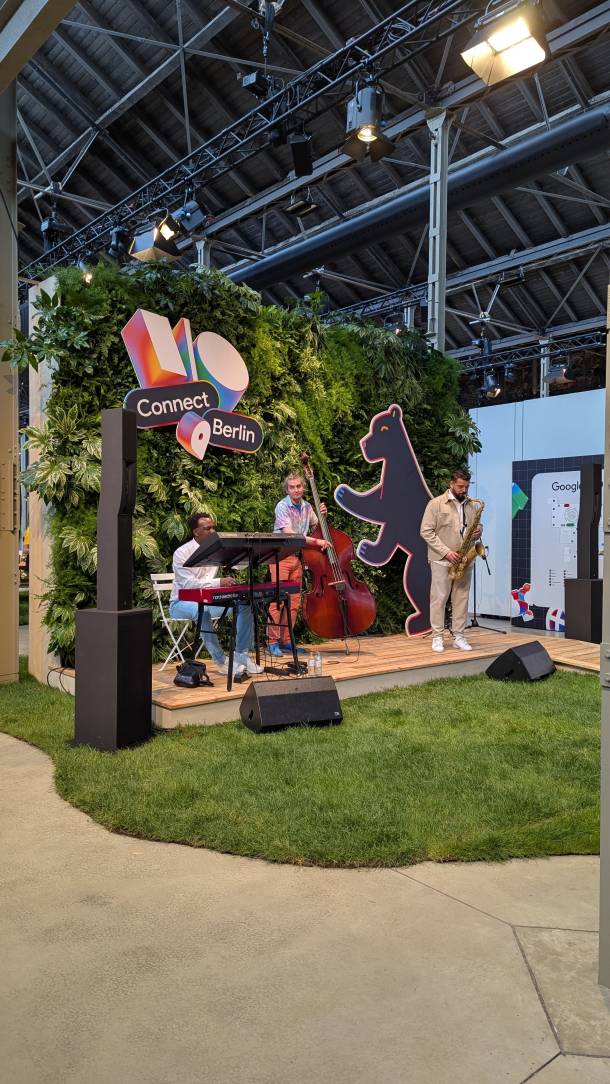
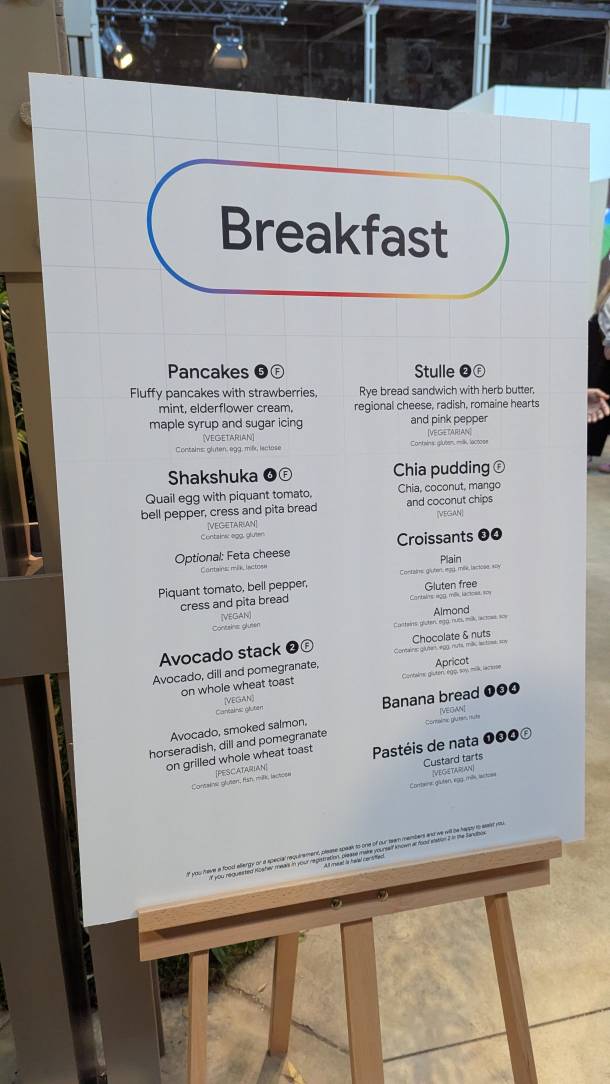
A jazz band was playing in front of us, filling the whole room with a cosy vibe, and to our right there were workstations and comfortably furnished seating areas. No sooner had we walked past the stage than we were literally offered strawberry pancakes and mango chia pudding on a tray. There were several barista stands where, in addition to excellent cappuccinos (which we appreciate!), one could obtain every conceivable other type of high-quality coffee and sweet treats.

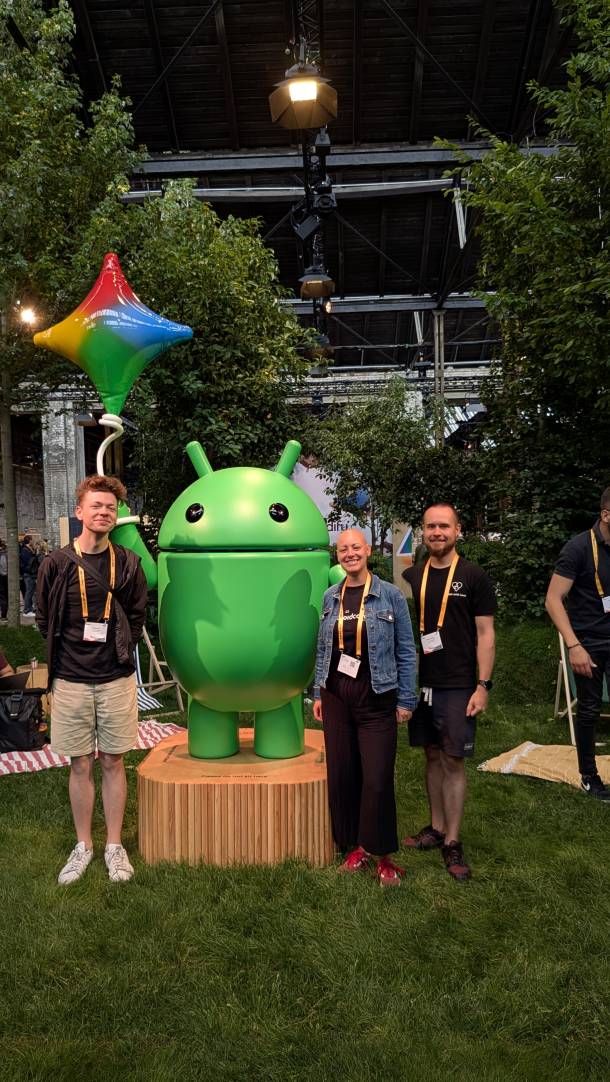
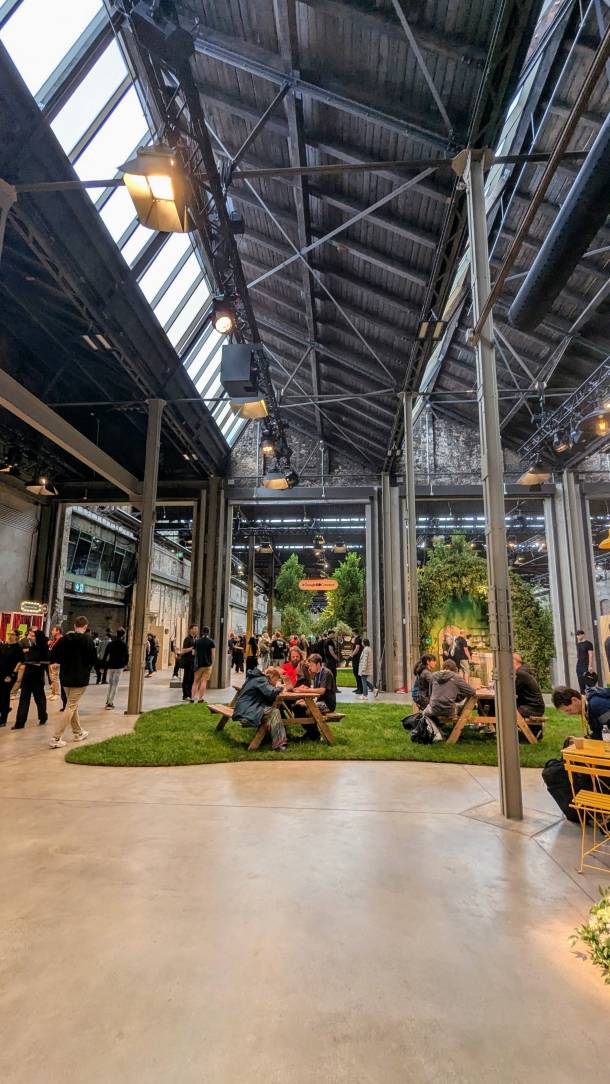
In the middle of the main hall, picnic and garden tables stood on real (!) grass areas cut into wavy shapes. Next to it was the Android Garden: a patch of green with birds chirping, where you could relax on picnic blankets and deckchairs in the grass surrounded by trees or have your photo taken with the three different Android figures – which we did immediately, of course. Apart from the abundant and high-quality food, we were most impressed by all the greenery in the main hall.

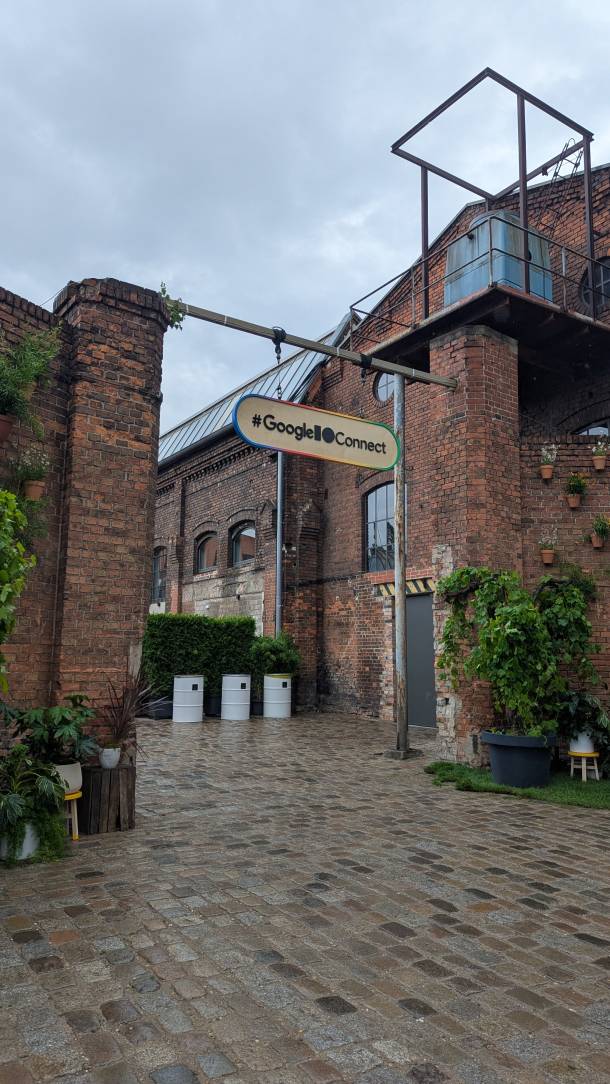
Entrance to Google I/O Connect in Berlin
Jazzband at Google I/O Connect
Breakfast menu
Yannick, Dinah and Ossi next to the android figure
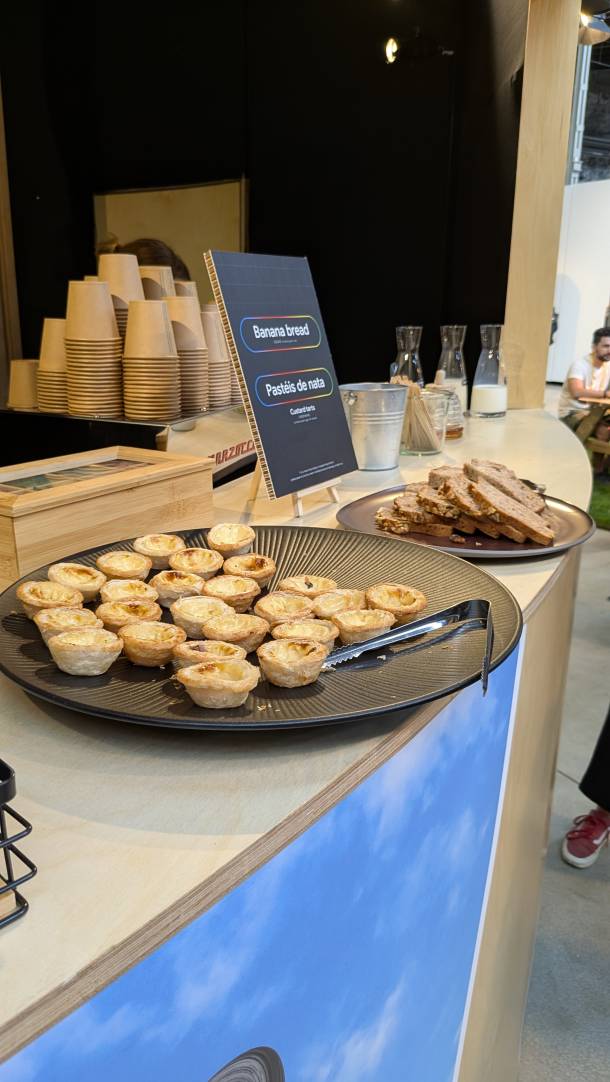
Pasteis de nata and Banana Bread

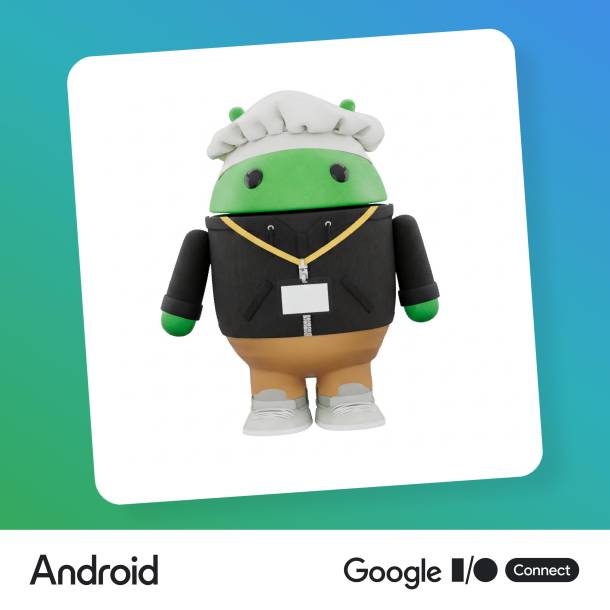
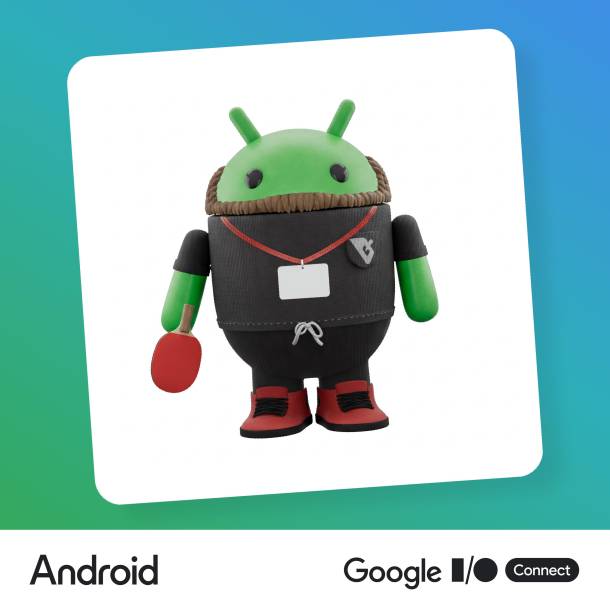
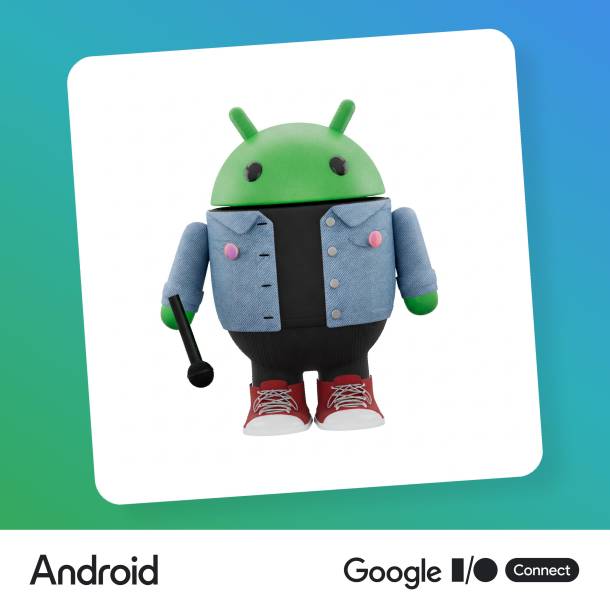
At the Androidify stand, we had a personalised avatar version of the green android generated for us. Basically, you take a photo of yourself, with an object if you wish, e.g. a chef's hat, and upload it. Gemini (2.5 Flash) analyses the photo and identifies features of the person such as hair, clothing or accessories, and then attempts to capture the person's real appearance. Imagen 3 then generates the image of the matching android. Can you figure out who is who?

Androidify Yannick
Androidify Ossi
Androidify Dinah

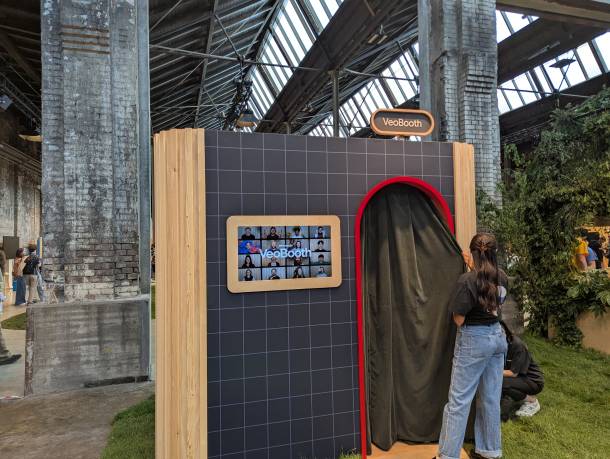
At the Veo stand, a short video was generated using a photo taken in the photo booth and a selected effect with Veo 3. Ossi's head was turned by a giant hand, and Dinah was sprayed with colourful Holi powder, animating her face with amazement. It's truly astonishing how much Veo and Imagen have improved in such a short time.

There were also stands on specific topics where you could talk to Google employees and ask questions. We were particularly interested in the Adaptive Apps stand: with the new Navigation 3 library, which is currently in alpha release, Google has rebuilt navigation for apps from the ground up with the aim of making it easier in general and offering components that automatically adapt to the respective form factor (mobile, foldable, tablet, Chromebook) in as many use cases as possible. What we have already seen in code examples has certainly convinced us.

Yannick enjoyed the exchange with Google employees who work on the very libraries we use every day, because this allowed for a very in-depth discussion of technical topics.

VeoBooth at Google I/O Connect

Talks

Six time slots were available to satisfy your thirst for knowledge in the following categories: AI, Cloud, Android and Web. Much of what was said was not completely new to us, as most of the innovations had been released at or immediately after Google I/O, and Google generally provides the developer community with lots of informative videos. Therefore, compared to Droidcon in autumna we didn't necessarily gain more programming knowledge, but rather more hands-on experience with the latest libraries and tools that Google has released.

Dinah's favourite talk: Prototype with Google AI Studio

by: Guillaume Vernade, Gemini Developer Advocate, AI

Guillaume had some cool use cases up his sleeve to showcase the many features in Google's AI Studio. AI Studio brings tremendous value because it allows developers to experiment with the Gemini family of generative AI models and create and deploy application prototypes.

Speech recognition
Using the "Generate Media" menu item, he demonstrated what Gemini speech recognition is capable of. First, he used normal chat to generate a script for a podcast for himself and a second person by feeding Gemini several links to the latest AI features. Gemini gave him the text, which he then copied and pasted into "Gemini speech recognition". You can name the podcast hosts and assign them a voice. This gives you the audio for a very authentic-sounding podcast between two people.

Image generation & video generation We only saw these features briefly, as it was clear that almost everyone in the room had already tried them out. The new Imagen 4 and Imagen 4 Ultra models no longer display text in hieroglyphics, but as truly legible text. Veo 3, which will be released at the end of summer, will automatically generate appropriate background sounds for a scene, among other features.

Building apps
Finally, Guillaume demonstrated the build feature to us. This allows you to build your own applications that use the various models. His use case: a vocabulary test generator for his daughter. She can upload a photo of the words she wants to learn, Gemini recognises the words and creates a test with matching sentences. For example, the sentence is read aloud (speech generation) and his daughter has to type it in correctly. Ideally, Gemini then recognises whether the answer entered is correct or not.

Apart from all the different models you can try out, the best thing about AI Studio for me is that you can display the code of an application, e.g. Lyria RealTime API, using "Show code editor" and activate the Code Assistant. The learning effect is extremely high because you can see how the application is programmed and because you can expand it directly or have it explained to you. You can also share a built application directly with other users or deploy it on Google Cloud. The latter works in seconds if you are already set up!

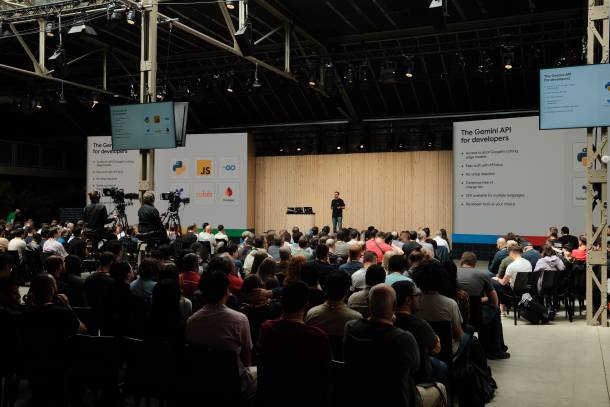
People listen to a talk about the Gemini API
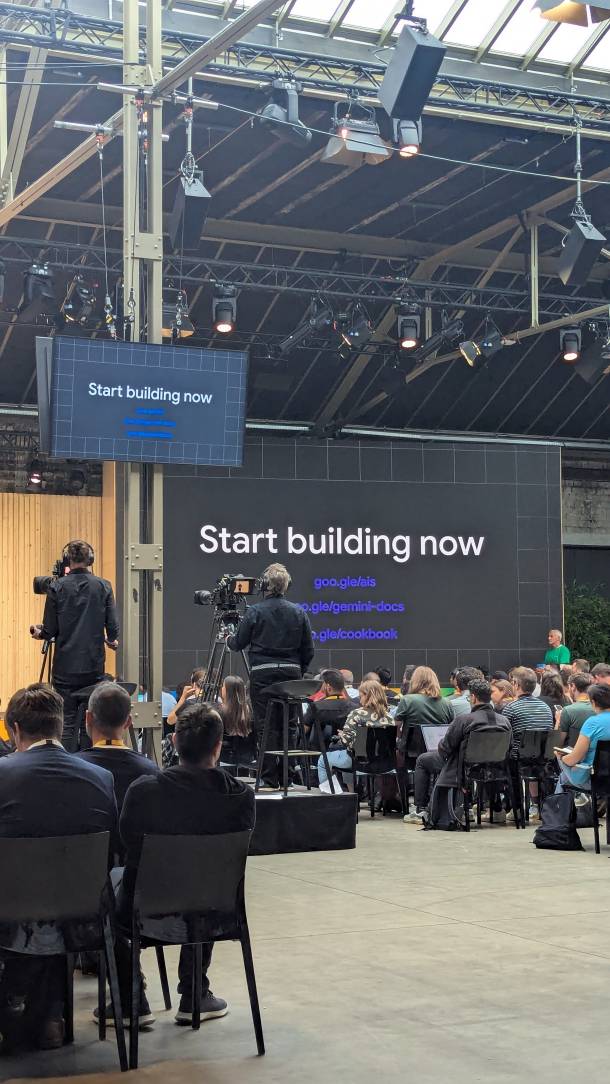
Talk about Gemini
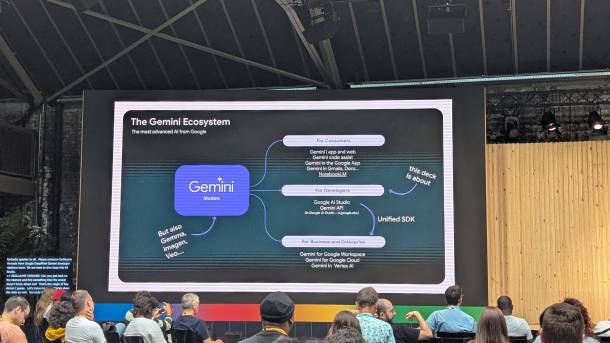
Presentation slide about different Gemini models

Ossi's favorite workshop: Build an app for the multi-device world

By Rob Orgiu, DevRel Engineer, Large Screens / Sasha Lukin, DevRel Engineer, ChromeOS

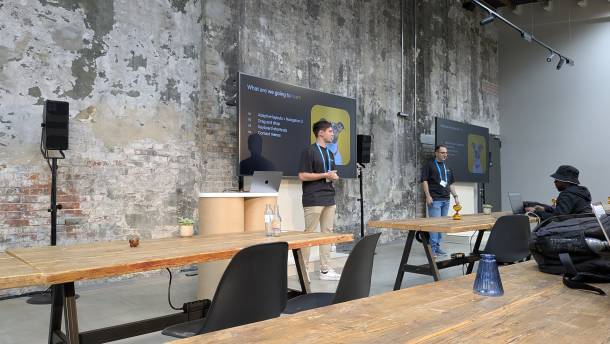
This talk was a workshop, so I was able to replicate what was shown live on my laptop. In this workshop, we looked at how to adapt a mobile app to different form factors using modern Android development techniques. Specifically, we looked at the following points:

Adaptive layouts with Navigation 3
The new navigation library, Navigation 3, offers many new advantages that make it easier for us to develop navigation logic with Jetpack Compose. We looked at how easy it is now to implement a list + detail view. This means that on a smartphone, a list is displayed on one screen as usual, and when you click on an item, a second screen is displayed with the details for that item. On a device with a larger display, such as tablets, foldables or Chrome Books, the detail view is then displayed directly next to the list, i.e. on one screen. This makes optimal use of the available space.

Drag and drop
We can no longer imagine Mac OS and Windows without drag and drop. Android also offers this functionality, but it is not very well known and is not implemented by many developers. We looked at how easy it is to implement this with Jetpack Compose. This is particularly useful on tablets, foldables and Chrome Books, as you often have several apps open at the same time. This allows you to send a photo from the gallery app to a contact on WhatsApp using drag and drop, for example.

Keyboard shortcuts
With the increasing popularity of Chrome Books and tablets, more and more Android users are using a keyboard with their device. Here, we were shown how to easily implement a feature in a chat app, for example, that allows users to send a message by pressing the Enter key. This allows us to optimise our Android apps for use with a keyboard.

Context menus
Just like drag and drop, we are used to being able to right-click on elements in applications in Windows and Mac OS and have a context menu appear. As more and more users operate their apps on tablets, foldables and Chrome Books with a keyboard, they expect this in Android apps too. We have seen how this can be easily implemented with Jetpack Compose.

Conclusion
The workshop was very exciting. I myself also use a foldable (Pixel 9 Pro Fold) and a tablet (Samsung Galaxy Tab S7+). That's why I know all too well that many apps are not optimised for larger displays and mouse/keyboard use. In this workshop, I learned how easy it is to implement small features that make life easier for users of Android devices with large displays and hopefully make using our apps even more enjoyable.
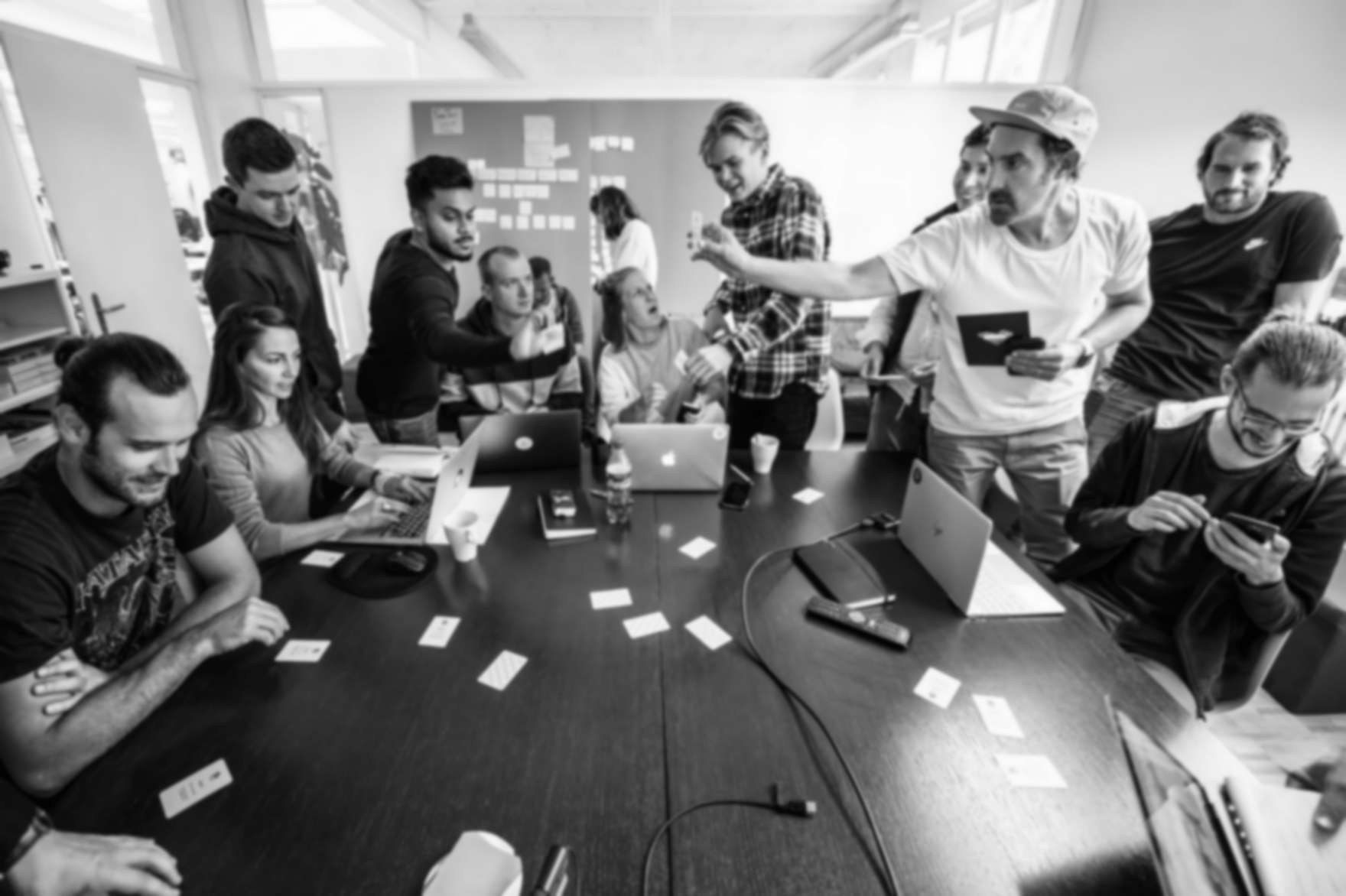
2 Google Devs lead a workshop on adaptive layouts

Our conclusion

It was our first time attending Google I/O Connect, and we were amazed by the quality of the conference on multiple occasions throughout the day. Everything was superbly organised and wonderfully cosy, with great attention to detail and decorated in a playful "Google-y" style. From the décor to the talks to the food, no effort was spared and every little detail was taken care of. So much planning must have gone into this event – it's almost unimaginable.

As already known from Google I/O, Connect was also all about AI. The Androidify stand and the Veo stand were, on the one hand, a fun gimmick for us and, on the other hand, a good opportunity to think about what could be achieved with AI. We have the tools to do this – now we just need ideas to build great solutions for our customers.

AI is changing the world, that much is certain. As Android developers, we are currently in the fortunate position of benefiting from almost daily improvements to the models. We seriously doubt that our everyday programming routine will look the same in five years' time as it does today. Personally, I also wonder how we should deal with this in terms of environmental responsibility. Either way, it remains exciting. Or, in the words of Yannick: What a time to be alive!

Two pins richer (wohoo!) and with lots of impressions, we stumbled back to our hostels at the end of the day. We'll definitely be back.

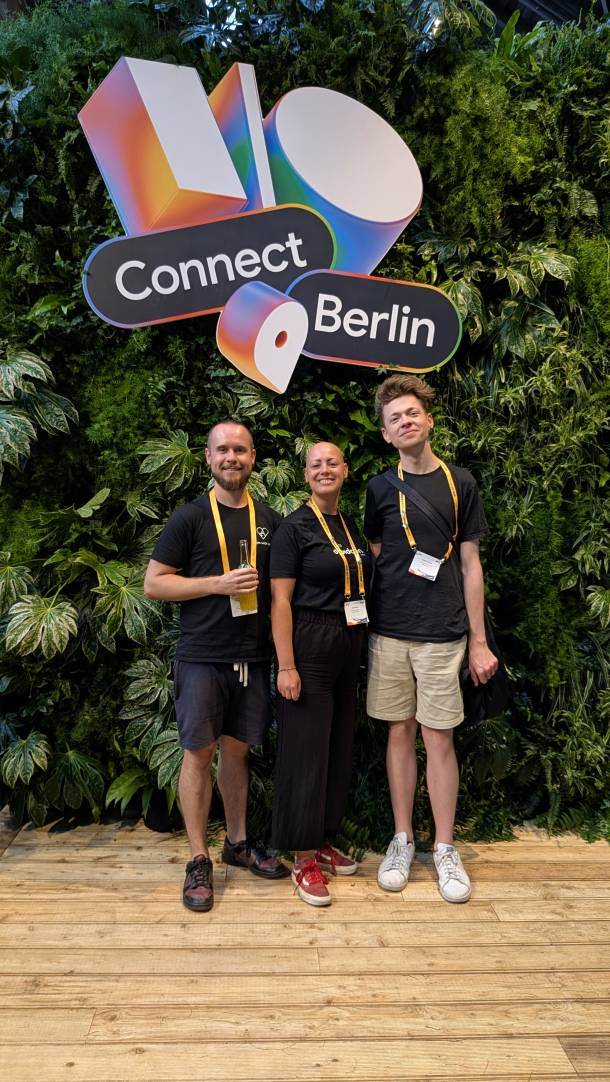
Ossi, Dinah and Yannick stand in front of a green wall with the Google I/O Connect logo above them
Insight into the hall of Google I/O Connect, people sitting at picnic tables
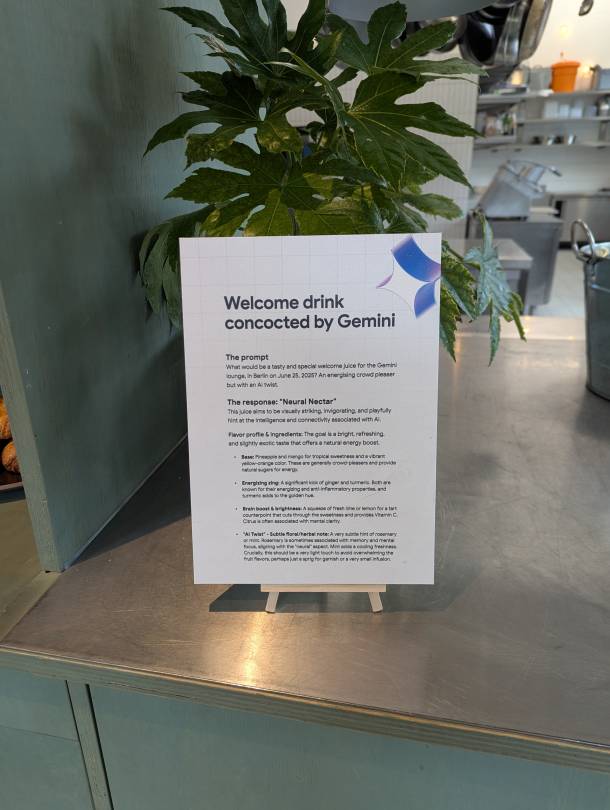
Sign above the welcome drink, created by Gemini
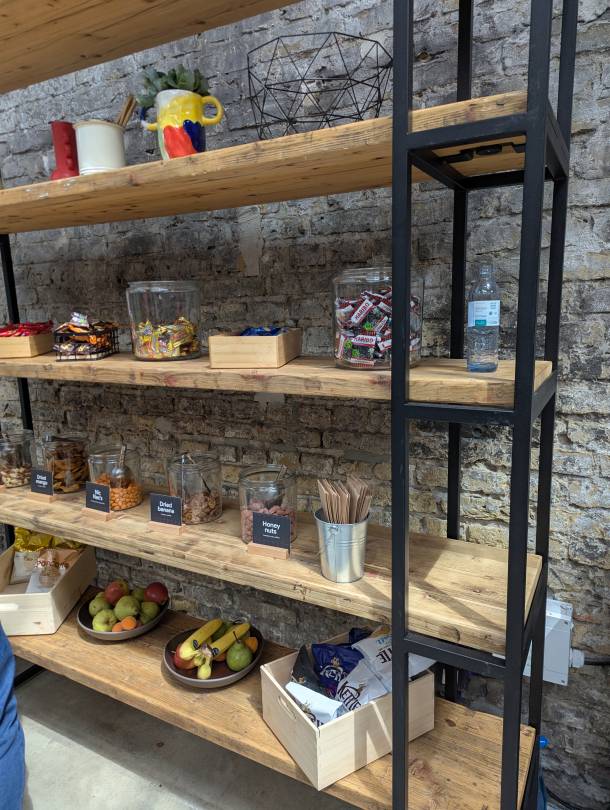
Rack with sweets and snacks
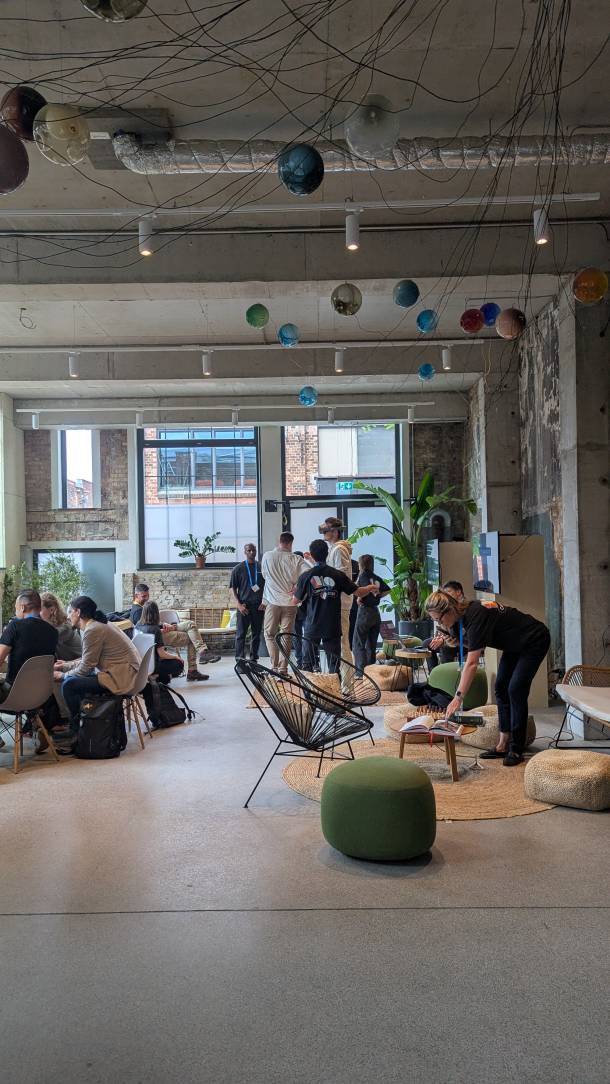
Lounge area where people talk to each other, someone tries on the Samsung VR headset Project Moohan